
How to Check a Coalville Warrant
Coalville's city directory does not list a separate police department, warrant search, or municipal-court lookup. The court named on the citation or docket is the starting point for a judicial status check. Keep the case number and the full name ready, and ask the clerk whether an order remains active before relying on an older search result.
- Use the citation to identify the court, case reference, and appearance date.
- Contact Coalville City Hall only for city-administration routing, not court status.
- Call the named court and ask it to verify the current warrant entry.
- Use the county and statewide links in the warrant-flow section below for broader case context.
- Ask counsel about an appearance, permitted bail, or surrender plan for a confirmed warrant.
Coalville Directory Shows City Administration
Coalville City Hall is at 10 N Main Street and publishes 435-336-5981 as the city phone. The office page lists weekday hours of Monday through Thursday, 8 a.m. to 4:30 p.m. The directory identifies administrative staff and does not show a separate police department listing.
That directory is useful for city-government contact, but the source does not identify a warrant desk, court clerk, payment counter, or recall process. Use the court printed on the person's notice to ask about the case.
Review the Coalville city directoryCoalville City Hall and Court Roles Differ
Coalville's town office page describes city administration, while judicial case information belongs to the named court. The county-seat role does not make City Hall a justice-court clerk's office. Research did not find a city warrant portal, local police roster, or city bail counter.
Use the City Hall phone for city services or to ask which office handles a city-government record. Use the case notice for a warrant status question. A court document will carry its own case number and clerk information.
Coalville Warrant Directory Has No Police Listing
The official Coalville directory provides a practical negative finding: it lists city administrative roles but no separate police department. That does not prove there is no law-enforcement service in the city; it means the site does not establish a Coalville warrant unit or self-service police search.
Do not invent a city marshal, constable, or local warrant phone number. For a police-held county record, ask the responsible agency how to request it. For the judicial order, use the issuing court.
Coalville Warrant Types and Case Ownership
A traffic notice, a missed court appearance, and a criminal arrest order are not the same file. Coalville's city materials do not name a separate municipal court warrant portal, so the case document is needed to identify who issued any order. The summary below describes common categories without assigning them to City Hall.
| Warrant Type | How It Arises | Who Issues It |
|---|---|---|
| Traffic warrant | Required payment or court date is missed | Court named on citation |
| Ordinance matter | A city-code issue is filed with a court | Confirm the court on the notice |
| Bench / FTA warrant | A required appearance is missed | Judge in the case |
| Arrest warrant | Judicial order in a criminal matter | Issuing court |
Coalville Xchange Coverage Gives Case Context
Utah Courts' Xchange coverage information says Silver Summit coverage includes Park City and Coalville data. That makes Xchange useful for court-case context tied to Coalville. It is not a city-run warrant list and should not be treated as a guarantee that a recent service or recall update is current.
Use a docket entry to locate the case, then call its issuing court to confirm whether a warrant remains active and what the judge requires. A case-search result is not a substitute for a court's current status determination.
Check Utah Courts' Xchange coverage information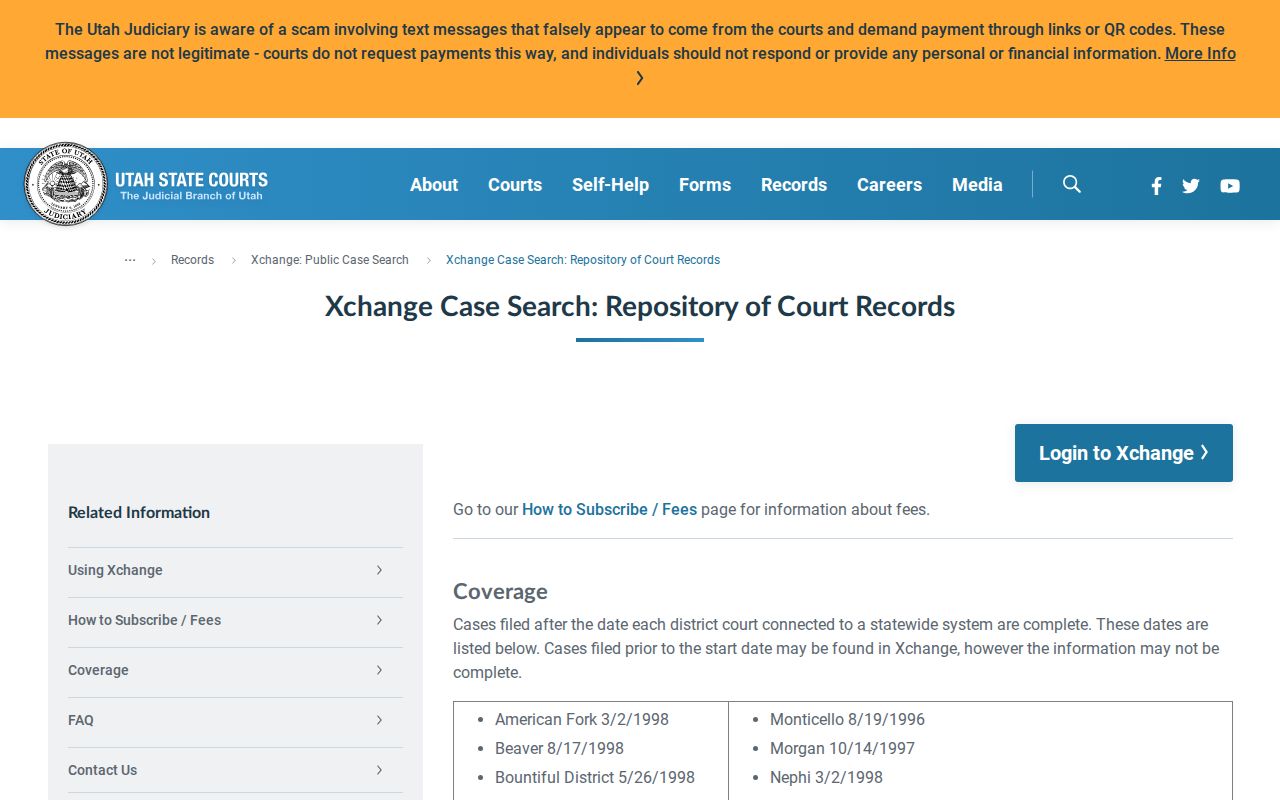
The coverage page establishes the local case-search area; the issuing court confirms an individual warrant.
Coalville Warrant Record Fields to Confirm
No Coalville warrant portal or city-specific number format was verified. Ask the court to identify the case reference, charge, bail direction, status, and next court date. A result in a case-search system may provide docket context without showing the final word on warrant service or recall.
| Warrant / Case Number | Use the court's actual reference; no Coalville code was located. |
|---|---|
| Subject Name | Check identifiers with the official court contact. |
| Charge / Offense | Read the citation or filed charge in context. |
| Issuing Court | Follow the court named on the document. |
| Bond / Fine Amount | Ask whether it is security, a fine, or a court balance. |
| Status | Request confirmation after service, payment, or recall. |
Coalville County Clerk Is Not a Court Clerk
The county administrative Clerk is located at 60 N Main in Coalville, while warrant and court-case functions are handled by the court system. The office's county-seat location can make the roles look similar, but a county clerk's record is not a justice-court docket. Do not send a case-status request there unless the court directs you to do so.
Read the case caption and use the issuing court's clerk contact. The county Clerk's official page is useful for county administration, not for a judicial warrant confirmation.
See the Summit County Clerk's administrative page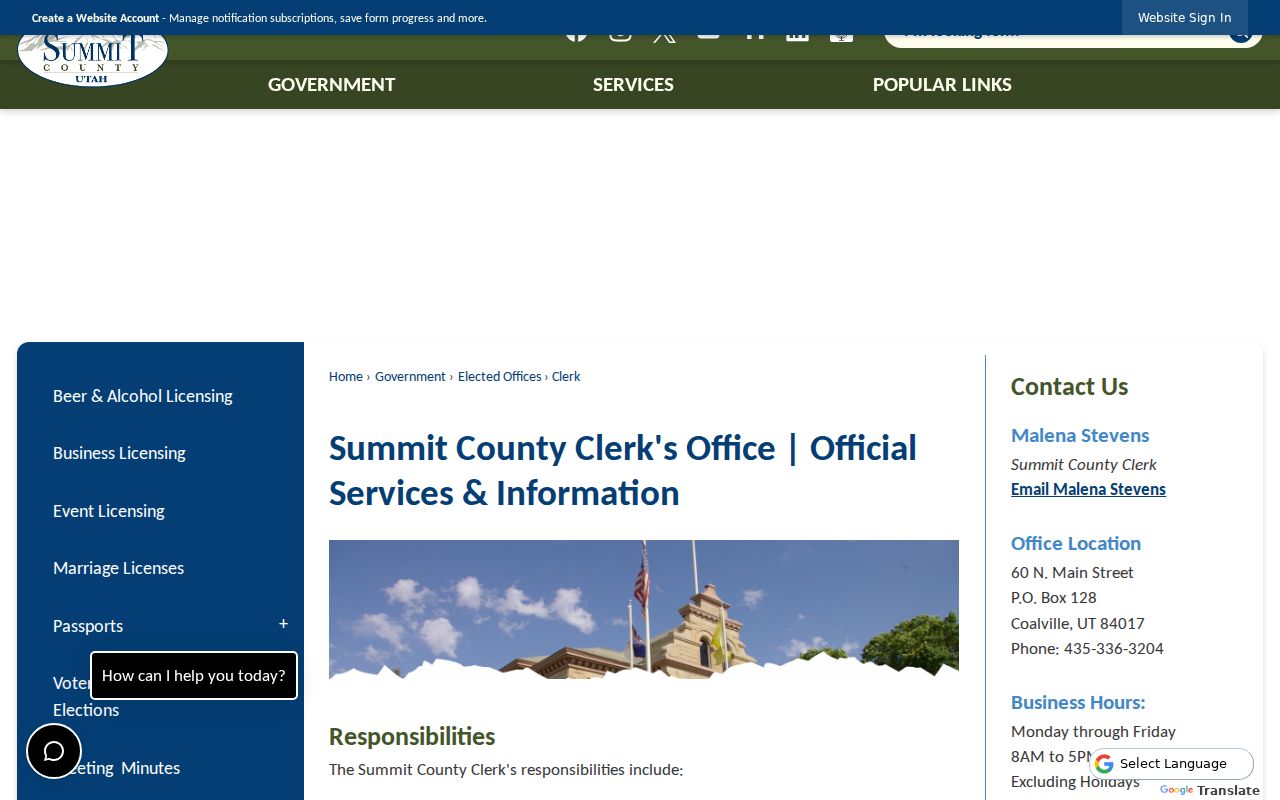
The county Clerk page documents the administrative office; case status belongs to the court named on the record.
Coalville City Office to Summit County Warrant Flow
Coalville City Hall handles municipal administration, while the court named on the notice controls warrant status. For a Summit County Justice Court case, confirm with that court; use Utah Statewide Warrants as a broader lead. See Summit County warrant records and the county warrant-search page for that route.
Warrant flow: Coalville city record question › named issuing court › Summit County Justice Court when listed › Utah Statewide Warrants
Coalville Has No City Warrant Portal or Amnesty Page
The city site does not publish a warrant hotline, police warrant search, city citation-payment portal, recall form, or safe-surrender event in the pages reviewed. That absence is a finding about the official site, not a conclusion that a particular case has no order.
Use Xchange for case context, then confirm status with the court. For a public record held by a county office, use that office's records request process rather than asking City Hall to produce another entity's file.
Public Access to Coalville Warrant Records
Coalville administrative records and judicial case files do not share one custodian. A city document request goes to the city if it retains the record; a warrant record goes through court-access rules. Sealed filings, juvenile matters, and protected information may be restricted even when other public records are available.
Key Rules:
Utah Government Records Access and Management Act (GRAMA), § 63G-2-201 - sets a general inspection right for public records, with exceptions.
Utah Code § 63G-2-301 - includes judicial records among public records unless a rule or classification limits access.
Utah Code § 63G-2-204 - sends requests to the entity holding the record and calls for a reasonably specific description.
Coalville Warrant Record Requests Need the Right Custodian
The city directory does not publish a dedicated city records-request form or a warrant application. If you want a Coalville administrative record, call the city office and ask what request details it needs. If the document is a court docket or warrant, use the court named in the file rather than asking City Hall to retrieve another agency's record.
Keeping the custodian clear helps prevent a city request from being mistaken for a court-status check. Ask the record-holding office about access limits and any copy process.